
Your files stay on your Mac.

TTX is the XML dump fonttools produces from a font's binary tables. Converting it to WOFF2 compiles that XML back into TrueType or OpenType tables and repacks them into a compressed web font — no outlines are redrawn, so glyph shapes, hinting and kerning carry over exactly as they were.
Add a single .ttx file or a whole folder of them — Convertessa reads everything locally, and nothing leaves your Mac.
Choose WOFF2 from the output list and Convertessa compiles the TTX tables into a web-ready font container.
Run the batch from the app or the command line and get lossless WOFF2 files with hinting and kerning intact.
Images, audio, video, documents, archives, eBooks and fonts — all converted natively, right on your Mac.
Pick a format you have — see everything Convertessa can turn it into.
Convert hundreds of files at once with per-type group defaults and individual overrides.
First-class support for HEIC, AVIF and WebP — encode and decode, both ways. Read JPEG XL and a dozen more modern formats too.
Drop files anywhere on the window. Native, instant, and exactly what you’d expect on a Mac.
Dial in compression, resolution and bitrate. Keep originals pristine or shrink for sharing.
Never overwrite a file by accident. Convertessa appends safe suffixes automatically.
Every job is logged locally. Re-run a previous conversion or revisit recent outputs in a click.
Bundle your converted files straight into a single ZIP, TAR or 7z — packaged and ready to share the moment a job finishes.
Right-click any file in Finder and choose Convert. A Quick Action handles it on the spot — no need to open the app first.
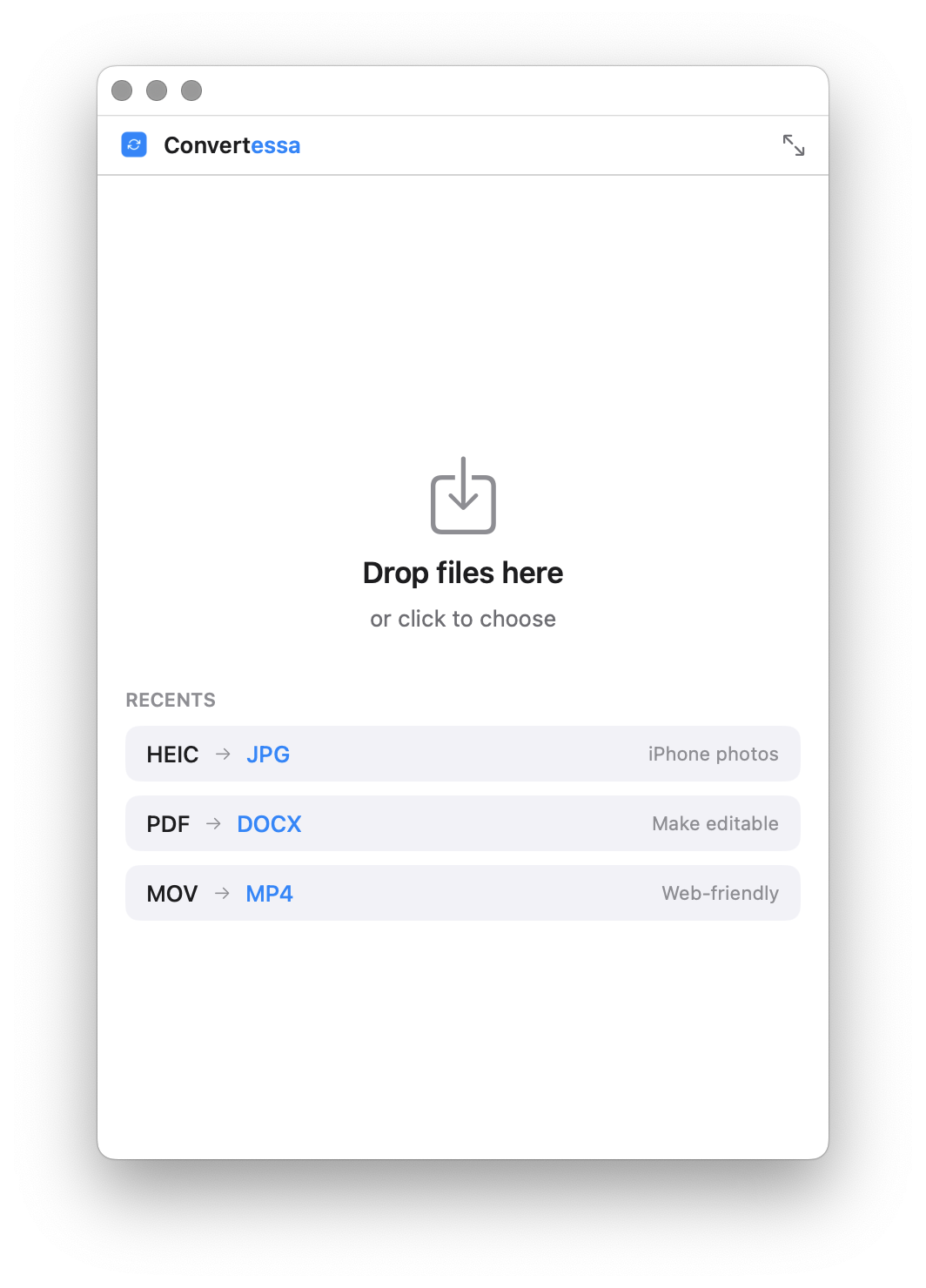
Shrink Convertessa to a tidy mini window that tucks into a corner — just a drop zone and a format picker for quick, one-off conversions.
No cloud. No account. No upload. Every conversion happens entirely on-device, using the power already in your Mac. What you convert is nobody’s business but yours.
Script conversions, wire them into your build, or batch a folder from the terminal. The same engine, no GUI required.
Read the full CLI documentation →Shrink Convertessa down to a small, focused window — drop, convert, done, with your recent conversions one click away.
macOS 14+ · Apple Silicon & Intel
New formats, new features, and fixes — every release, on the record.
No. Convertessa compiles the TTX XML back into binary tables and repackages them as WOFF2 — the outlines, hinting instructions and kerning pairs are copied across unchanged.
Yes. Point Convertessa at a folder and every .ttx file inside is converted to WOFF2 in one pass, entirely on your Mac.
No. Changing the file format doesn't grant new redistribution or embedding rights — the original font's licence or EULA still applies to the WOFF2 output.