
Your files stay on your Mac.

Converting WOFF2 to TTX unpacks the compressed web font container and writes its underlying font tables out as a plain XML text file. The glyph outlines, hinting instructions, and kerning data are carried over unchanged — nothing is redrawn. The result is a TTX file you can open, diff, or inspect table by table.
Add a single WOFF2 font or a whole folder of them. Convertessa reads them locally on your Mac — nothing uploads anywhere.
Choose TTX from the output list. Convertessa doesn't guess a target format; you pick it.
Convertessa unpacks each font's tables into a TTX XML file, converting the whole folder in one batch pass.
Images, audio, video, documents, archives, eBooks and fonts — all converted natively, right on your Mac.
Pick a format you have — see everything Convertessa can turn it into.
Convert hundreds of files at once with per-type group defaults and individual overrides.
First-class support for HEIC, AVIF and WebP — encode and decode, both ways. Read JPEG XL and a dozen more modern formats too.
Drop files anywhere on the window. Native, instant, and exactly what you’d expect on a Mac.
Dial in compression, resolution and bitrate. Keep originals pristine or shrink for sharing.
Never overwrite a file by accident. Convertessa appends safe suffixes automatically.
Every job is logged locally. Re-run a previous conversion or revisit recent outputs in a click.
Bundle your converted files straight into a single ZIP, TAR or 7z — packaged and ready to share the moment a job finishes.
Right-click any file in Finder and choose Convert. A Quick Action handles it on the spot — no need to open the app first.
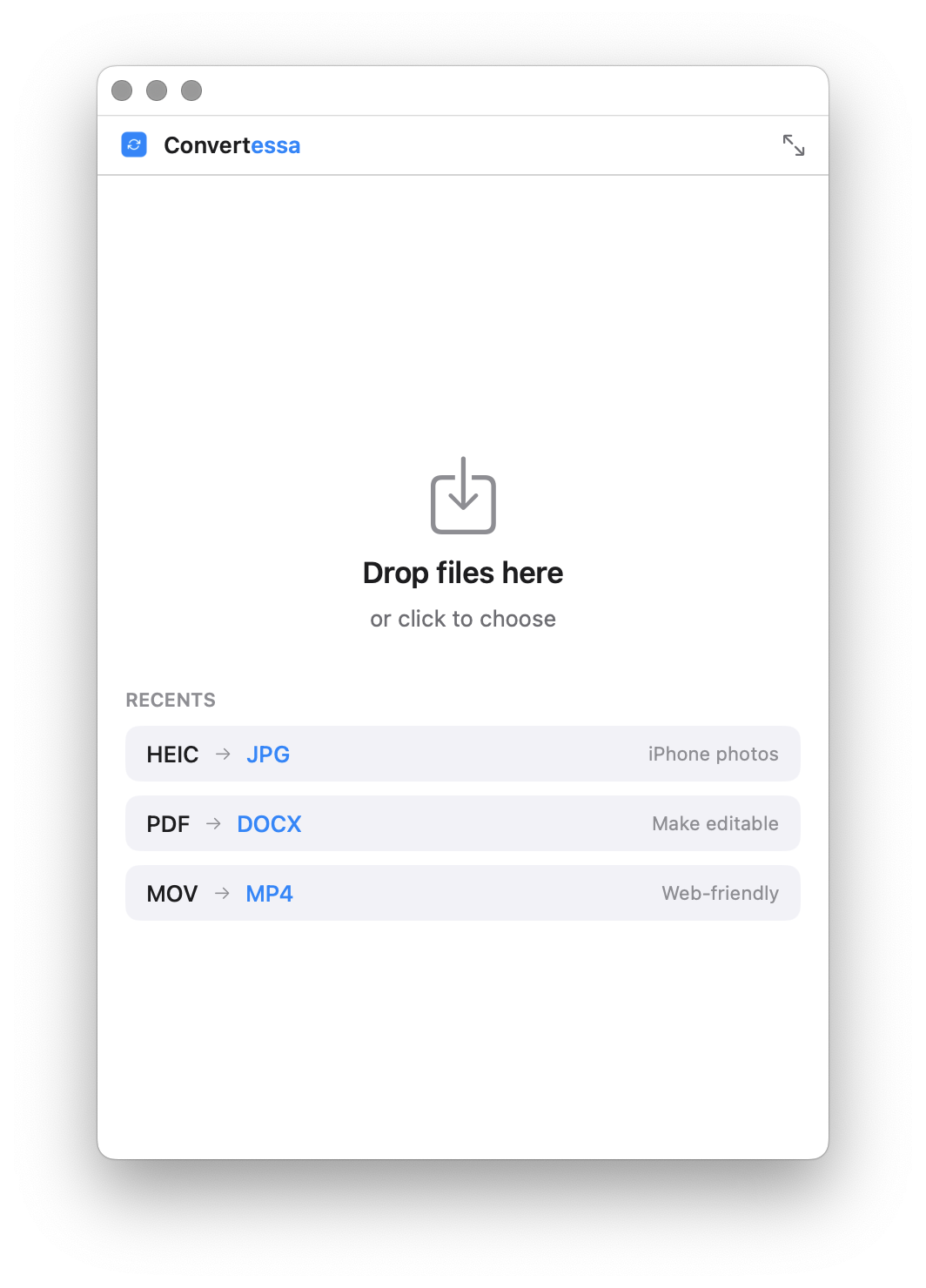
Shrink Convertessa to a tidy mini window that tucks into a corner — just a drop zone and a format picker for quick, one-off conversions.
No cloud. No account. No upload. Every conversion happens entirely on-device, using the power already in your Mac. What you convert is nobody’s business but yours.
Script conversions, wire them into your build, or batch a folder from the terminal. The same engine, no GUI required.
Read the full CLI documentation →Shrink Convertessa down to a small, focused window — drop, convert, done, with your recent conversions one click away.
macOS 14+ · Apple Silicon & Intel
New formats, new features, and fixes — every release, on the record.
No. TTX is a text dump of the font's own tables, so hinting instructions, kerning pairs, and glyph outlines carry over exactly as they are in the source WOFF2 file.
Yes. Point Convertessa at a folder and every WOFF2 file inside converts to its own TTX file in one batch run, offline.
No. Converting a font's format doesn't grant new redistribution or embedding rights — the original font's licence or EULA still applies.